
























In the constantly changing world of digital design, it’s crucial to uphold consistency and coherence across various products and platforms. This is where design systems step in. They can dramatically improve workflows, encourage collaboration, and maintain a brand’s integrity.
In this article, I’ll explore the concept of design systems, their advantages, and their role in creating outstanding user experiences.
Understanding Design Systems
A design system is a centralized collection of reusable components, patterns, guidelines, and assets systematically organized to ensure consistency and efficiency in design and development processes. It serves as a single source of truth for designers, developers, and other stakeholders, providing a common language and framework for creating cohesive digital experiences.
Key Components of Design Systems
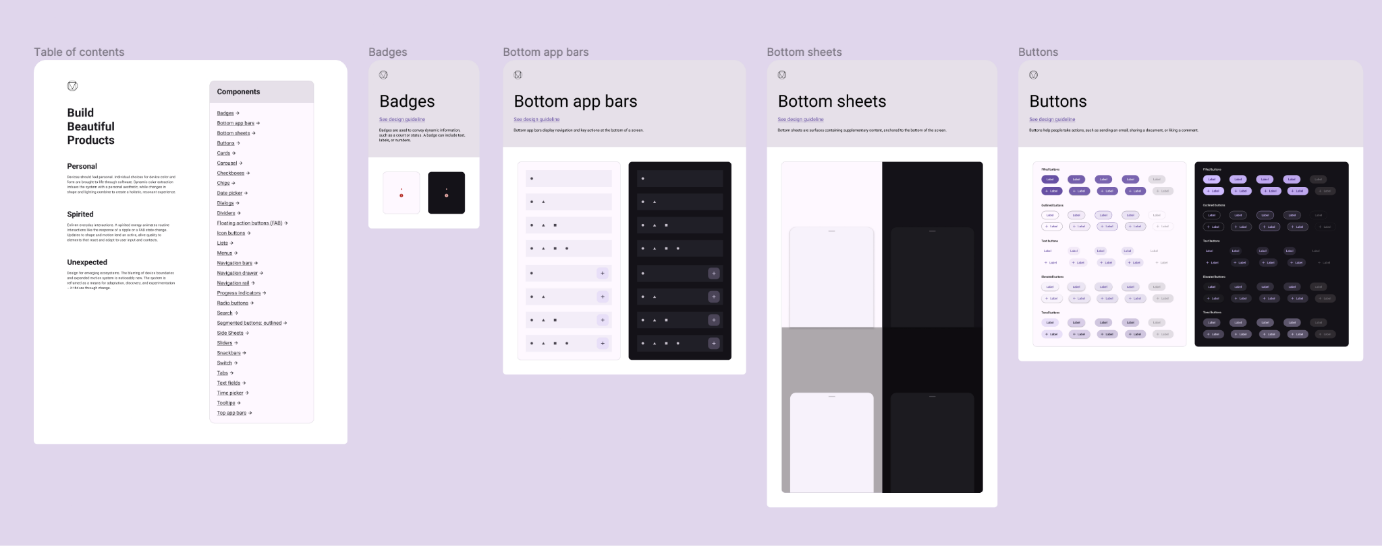
Components – Design Systems consist of a library of components, such as buttons, forms, cards, and navigation elements, that can be assembled and reused across various interfaces. These components are designed to be versatile, scalable, and adaptable to different contexts.
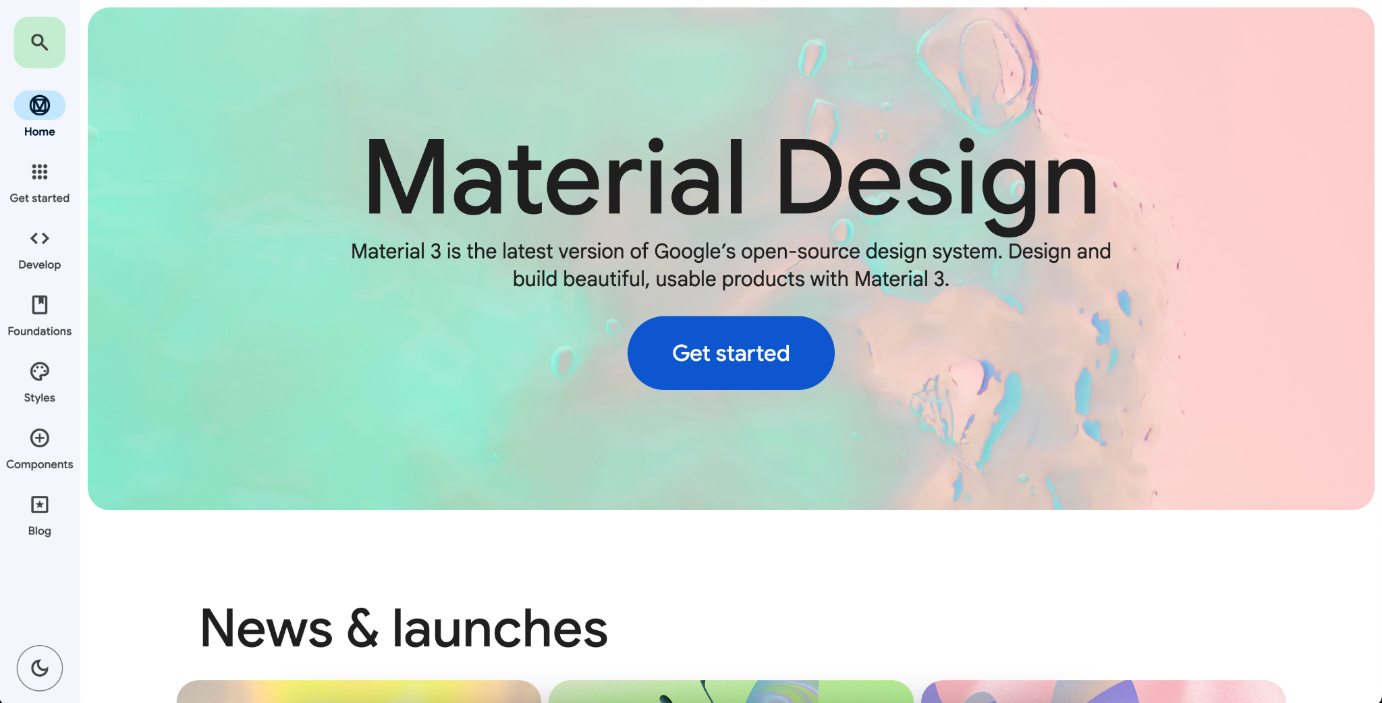
Patterns – in addition to individual components, design systems define common interaction patterns and design principles that guide the creation of user interfaces. This includes layout grids, typography styles, color palettes, and iconography, contributing to visual consistency and brand identity.
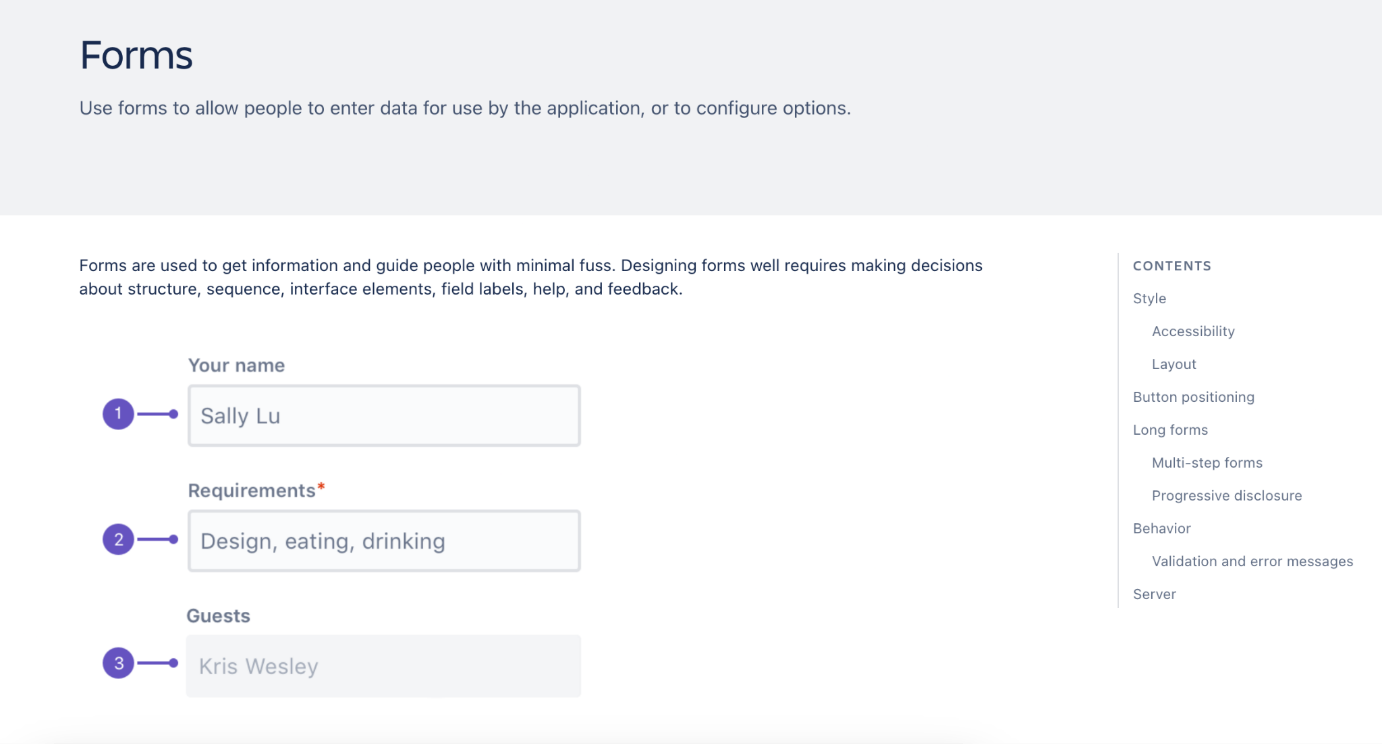
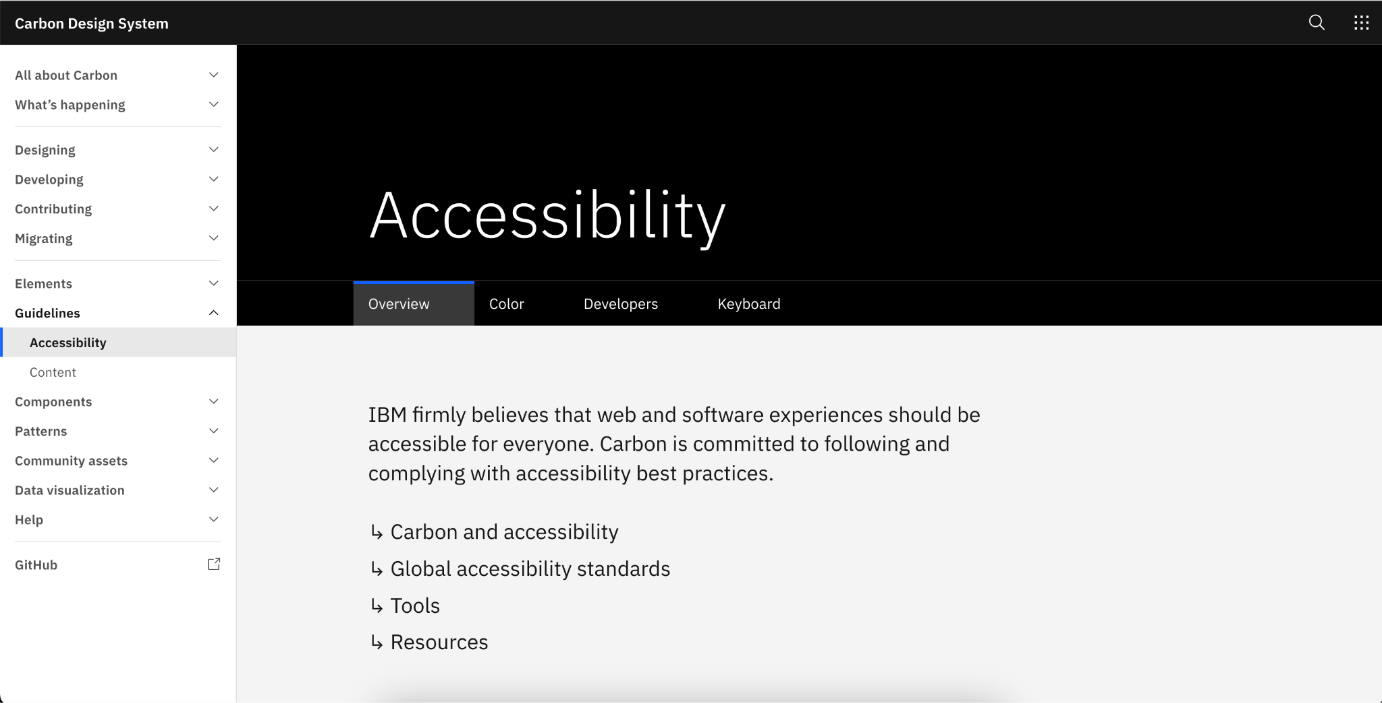
Guidelines – Design Systems often include comprehensive guidelines and documentation that outline best practices, accessibility standards, and usage guidelines for designers and developers. These guidelines help maintain consistency and ensure adherence to design principles across projects.
Assets – Design Systems may also contain digital assets that align with the brand’s visual language, such as icons, illustrations, and imagery. These assets are curated and maintained to ensure brand consistency and coherence across touchpoints.
Benefits of Design Systems
- Consistency – Design Systems establish a unified visual language and design language across products and platforms, ensuring consistency in branding, user interface elements, and interactions.
- Efficiency – by providing a centralized repository of reusable components and guidelines, design systems streamline the design and development process, reducing duplication of effort and speeding up time to market.
- Scalability – Design Systems are scalable and adaptable to evolving business needs and technological advancements, allowing organizations to maintain design consistency and coherence as they grow and expand.
- Collaboration – Design Systems foster collaboration and cross-functional alignment by providing a shared understanding of design principles and best practices among designers, developers, and other stakeholders.
- Flexibility – Design Systems empower designers and developers to iterate and innovate within established guidelines, fostering creativity while ensuring coherence and consistency.
Implementing Design Systems
Implementing a Design System requires careful planning, collaboration, and ongoing maintenance. Here are some key steps to consider:
- Research and analysis – conduct research to understand user needs, business goals, and existing design assets. Analyze current workflows and identify areas for improvement.
- Componentization – break down design elements into modular components that can be reused and combined to create flexible and scalable interfaces.
- Documentation – document design principles, guidelines, and usage patterns in a clear and accessible format. Provide examples, code snippets, and best practices to support implementation.
- Iterative Development – develop the design system iteratively, gathering feedback from stakeholders and incorporating learnings from real-world usage to refine and improve the system over time.
- Education and Adoption – educate teams on the benefits and usage of the design system through workshops, training sessions, and documentation. Encourage team adoption and participation to ensure consistency and coherence in design and development efforts.
The difference between a Design System and a Style Guide
A Design System and a style guide fulfill distinct roles within the design. While a Design System encompasses a broad spectrum of design elements, incorporating a style guide as part of its framework, it functions as a comprehensive blueprint for ensuring a unified product experience.
Conversely, a style guide focuses on specific visual design components and brand elements such as typography, color schemes, and logo utilization. Its primary aim is to uphold brand uniformity. Essentially, a style guide operates within the parameters set by a design system, serving as a focused subset of it.
Conclusion
Design Systems are pivotal in shaping consistent, coherent, and user-centric digital experiences. By establishing a shared language, framework, and repository of reusable components and guidelines, design systems empower organizations to deliver exceptional products and services that resonate with users and reinforce brand identity.
Let’s embrace the power of design systems and leverage them to create meaningful and impactful user experiences in the digital realm.
Bibliography and additional resources
***
If you want to learn more about token design in UX/UI-Dev collaboration, read our expert article.













Great design starts with asking questions. Why does this work? How can it be improved? What would make the experience better? Curiosity is often the foundation of innovation.UI UX design course in Chennai Unlock your potential in the exciting world of UI and UX design with our immersive 3-month learning program. 2 Months of internship at Digital Techworks